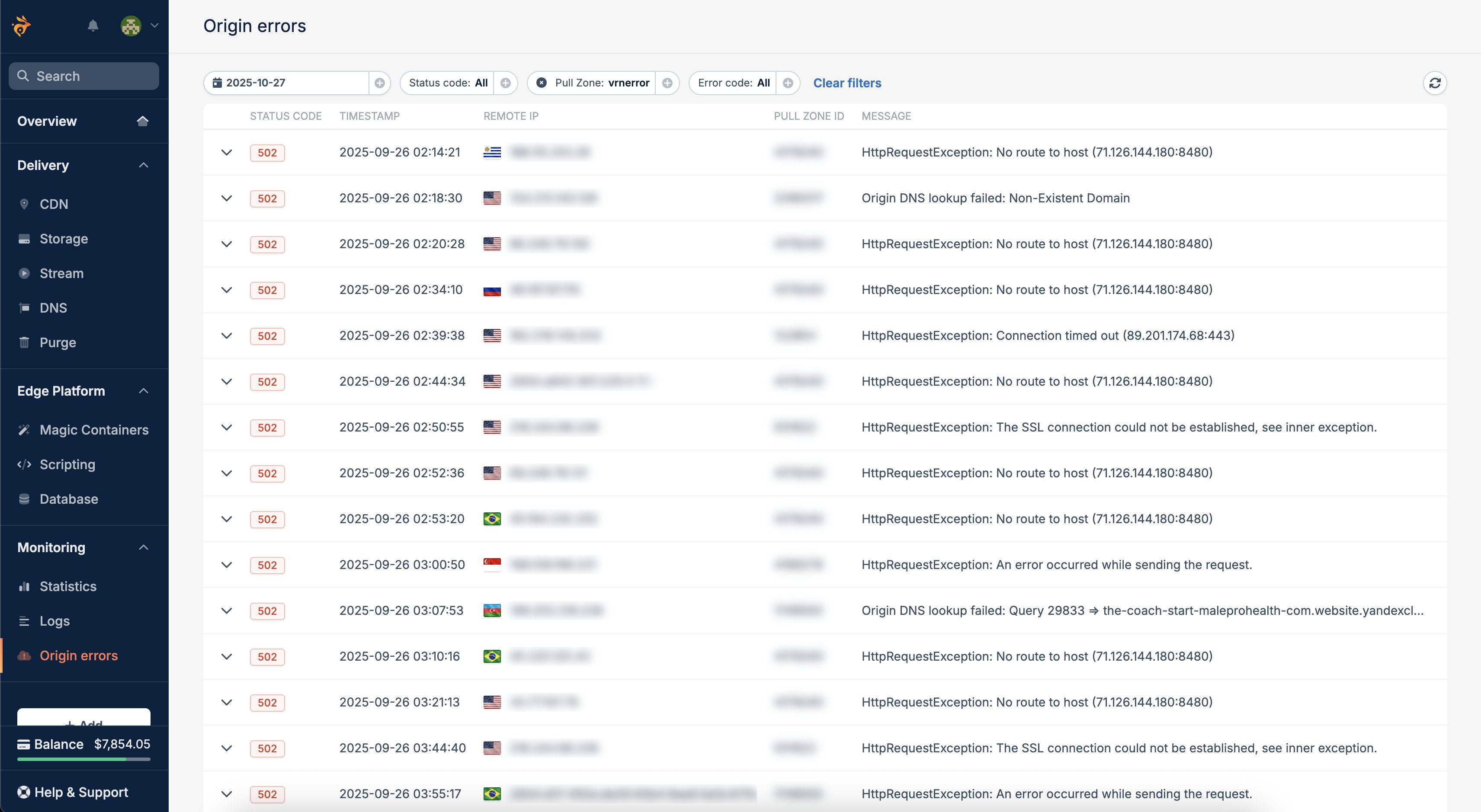
No more 502 guesswork. See exactly why your origin failed in real time.
When your origin stops responding, you shouldn’t have to dig through layers of logs or guess whether it’s DNS, timeouts, or misconfiguration.Origin Errors Monitoring gives you full visibility into failed origin requests, directly in the dashboard or via API.Available for all users at no extra cost.
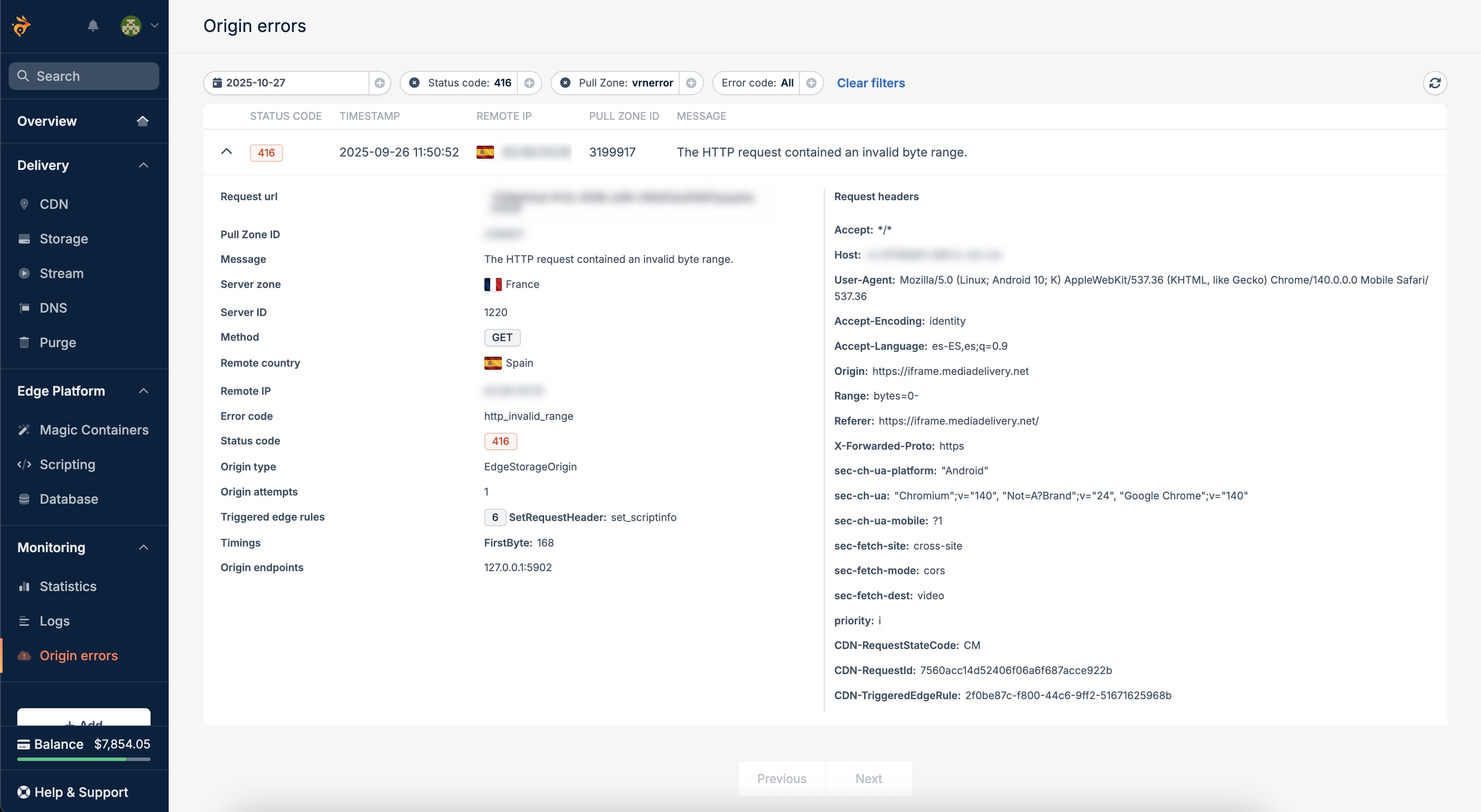
Browse and filter origin errors under Monitoring → Origin Errors to quickly identify where and why failures occurred. Each entry includes timestamp, edge region, pull zone ID, error type, and status code, helping you isolate the issue instantly.
Access the same data programmatically to integrate with your monitoring or alerting systems.Endpoint: GEThttps://cdn-origin-logging.bunny.net/{pullZoneId}/{dateTime:MM-dd-yyyy}Example Response: